
Key Takeaways
- You do not need a full annual voter-file subscription to run a local race — buying voter data per record for just the universe you target is almost always cheaper and faster for a down-ballot campaign
- A useful voter list is defined by its filters, not its size: state, race, geography, party, and voting history turn a raw file into the few thousand doors that actually move your election
- The step most campaigns underestimate is the handoff — getting the purchased list into a canvassing app without losing records to a broken CSV import is where a self-serve platform like MailVotes saves the most time
Every local campaign hits the same wall in its first month: you know which neighborhoods you need to reach, but the voter data that tells you who lives there sits behind a vendor sales call, a minimum spend, and a subscription that outlasts your election. For a mayoral, school-board, county, or state-house race, that traditional model is built for someone else — the statewide operation with a data director and a budget to match.
This guide walks through how to buy voter data the way a small campaign actually needs to: targeted, priced for the universe you use, and ready to knock. We built MailVotes to solve exactly this, so we will be concrete about the tradeoffs rather than vague about them.
What “voter data” actually means
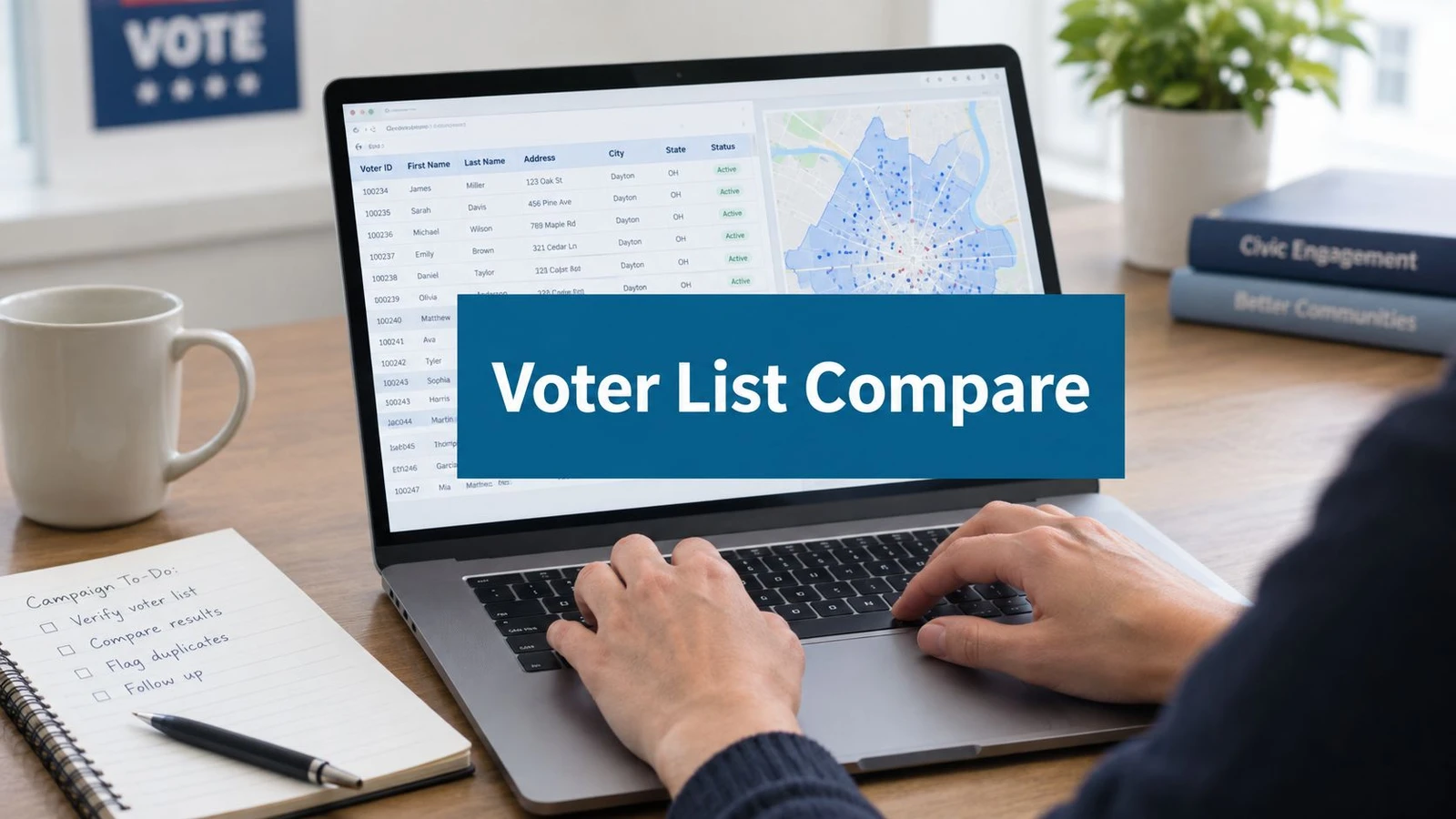
A voter file is the public record of who is registered to vote and how they have participated in past elections. Depending on the state, a single record typically includes:
- Name and residential address — the foundation for any mail piece or walk list
- Party affiliation — where the state registers voters by party (many do; some do not)
- Voting history — which past elections a person voted in, usually as a yes/no per election, not who they voted for
- Basic demographics — age, and in some states additional fields
- Geographic districts — precinct, county, and the legislative or municipal districts the address falls in
That last point matters more than new candidates expect. The value of voter data is not the raw list — it is the ability to cut the file down to your race. A countywide file might hold 200,000 records; your city-council district might contain 6,000 of them, and the persuadable, likely-to-vote slice you actually want to knock might be 2,000. Everything below is about getting to that 2,000 quickly and paying for it fairly.
Per-record pricing vs the subscription trap
The single biggest cost decision is how you buy, not what you buy.
The legacy voter-file vendors sell access — an annual license to a database, often with a minimum spend that assumes a statewide or multi-cycle operation. If you are running one local race for one cycle, you are paying for a year of access to use it for a few weeks, and you are paying for the whole state to reach one district.
The alternative is per-record pricing: you define your universe with filters, the platform shows you the record count and the price before you buy, and you pay only for the voters in that universe. A voter data platform like MailVotes works this way on purpose — a 2,000-voter municipal list costs a small fraction of a countywide pull, and there is no subscription running in the background after election day.
The rule of thumb: if you will use voter data for a single race in a single cycle, per-record pricing almost always wins on cost, and it always wins on speed — there is no contract to negotiate before you see data.
How to build a targeted voter list, step by step
A good list is a series of narrowing decisions. On MailVotes this is a guided walkthrough, but the logic is the same wherever you buy:
- State. Voter files are maintained state by state, so this scopes everything that follows. MailVotes currently covers Florida, North Carolina, Pennsylvania, Ohio, Oklahoma, and Arkansas.
- Election type and race. A primary universe looks very different from a general-election one, and a partisan primary is often the single most powerful filter you will apply.
- Geography. Draw down to the district, precinct, or municipality that defines your race. This is usually where the record count drops by an order of magnitude.
- Party and voting history. Now narrow by behavior. Do you want to persuade unaffiliated voters, turn out your base, or reach people who vote in generals but skip primaries? Each is a different filter, and each produces a different list.
- Demographics. Age and other available fields let you refine further — useful for turnout modeling, though for a first campaign the geography-and-history cut usually gets you 90% of the way.
Watch the live record count as you go. A universe that stays at 40,000 after you have set your district means a filter is not applied the way you think it is; a universe that collapses to 200 means you have narrowed too far. The number updating in real time is the fastest way to sanity-check your targeting before you spend a dollar.
The step everyone underestimates: getting the list to your canvassers
Here is where campaigns lose the most time, and it has nothing to do with the data itself.
You have bought a clean, targeted list. Now it has to become a walk list on a volunteer’s phone — and traditionally that means exporting a CSV, importing it into a separate canvassing app, hoping the address columns map correctly, and discovering at the door that a chunk of records failed to geocode. Every one of those steps is a place records quietly disappear.
The fix is to buy the data in a tool that hands off to the field cleanly. Because MailVotes is built by doornoc, a purchased list opens directly in doornoc’s canvassing software: every voter is matched automatically, you save the route, and geocoding starts on its own. There is no CSV round-trip. Practically, that means you can buy a list in the morning and have your team knocking doors on it the same afternoon — the data platform and the door knocking app are two halves of one pipeline, not two products you glue together.
If you are buying data from a vendor that is not connected to your field app, budget real time for this handoff, and test the import on a small pull before you commit to the full list.
Is it legal to buy and use voter data?
Yes, with state-specific rules. Voter registration data is a public record in every U.S. state, and it is routinely used for campaign purposes. What varies is:
- Who can access it — some states restrict bulk voter data to registered campaigns, candidates, or political committees
- What you can use it for — commercial (non-election) use is often prohibited
- Which fields are released — states differ on whether they include phone numbers, full dates of birth, and similar sensitive fields
A reputable voter data platform handles the access and compliance layer for you and only releases campaign-appropriate fields. Always confirm you are using the data for its permitted purpose — for a candidate campaign, that is virtually always fine, but it is worth knowing the boundary.
A quick buying checklist
Before you buy voter data for a local campaign, make sure you can answer:
- What is my exact universe? State, race, geography, and the party/history cut — written down, not vague.
- What is the record count, and what will it cost? You should see both before you pay. If a vendor cannot tell you the count up front, that is a sign of the subscription model, not the per-record one.
- How does the list get to my canvassers? If the answer is “export a CSV and import it somewhere,” add time and test it. If the answer is “it opens straight in the canvassing app,” you have removed the riskiest step.
- Do I actually need a subscription? For a single-cycle local race, almost certainly not.
Buy the list, then knock it
Buying voter data used to be the slow, expensive gate at the front of a field program. It does not have to be. Define a tight universe, pay per record for exactly that universe, and buy it somewhere that hands the list straight to your walk app.
That is the whole idea behind MailVotes: build a targeted voter list in minutes, see the price before you buy, and open it in doornoc to knock the same day. One list, one door-knocking campaign — from the filter to the doorstep without a CSV in between.
Frequently Asked Questions
How much does it cost to buy voter data for a local race?
With per-record pricing, the cost scales with your universe: a small municipal list of a couple thousand voters costs a fraction of a countywide pull. Platforms like MailVotes show the exact price before you buy, so a down-ballot campaign pays only for the voters it targets — with no annual subscription running after election day.
Do I need a subscription to get voter data?
No. Traditional vendors often require an annual license or minimum spend, but a per-record voter data platform lets you buy exactly the list you need for a single race with no ongoing contract. For a one-cycle local campaign, per-record buying is almost always cheaper and faster.
What information is in a voter file?
A voter file typically includes each registered voter’s name, residential address, party affiliation (in states that register by party), voting history (which past elections they voted in), basic demographics like age, and geographic districts such as precinct and county. It does not reveal who anyone voted for — only whether they participated.
How do I get a purchased voter list into a canvassing app?
The cleanest path is to buy the data in a platform connected to your field app. With MailVotes and doornoc, a purchased list opens directly in the canvassing software — every voter is matched and geocoded automatically, with no CSV export or import. If your data source is not connected to your app, plan for a manual CSV import and test it on a small pull first.
Is it legal to buy voter data?
Yes. Voter registration data is a public record in every U.S. state and is routinely used for campaigns. Rules vary by state on who may access bulk data and which fields are released, and non-election commercial use is usually prohibited. A reputable voter data platform handles compliance and releases only campaign-appropriate fields.