Key Takeaways
- Manual turf cutting eats 4–8 hours of a field director’s week and still produces uneven routes that overload some canvassers and underbook others.
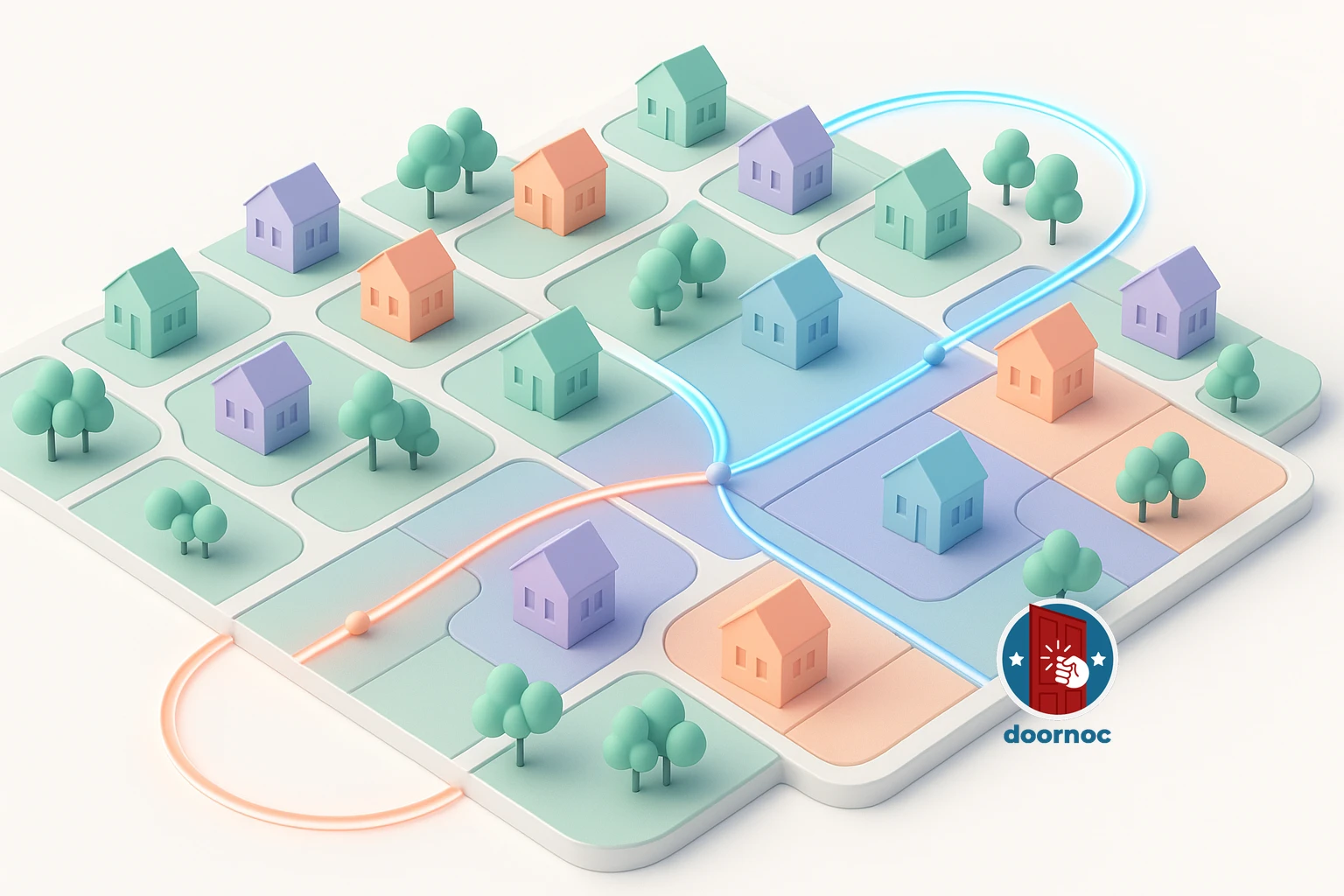
- DoorNoc’s Auto Turf splits a campaign’s voters into 2–30 balanced, walkable territories in seconds using recursive geographic bisection plus Voronoi polygons.
- Every territory is named automatically by Claude AI (“Downtown OKC”, “South Side”, “Capitol Hill”) so volunteers see real neighborhoods, not generic Zone 1 / Zone 2 labels.
- Filters apply before the cut — party, age, vote history, district — so canvassers walk only the doors that matter, not the whole precinct.
- Each territory ships with a difficulty score (estimated hours, voter density, walking distance) so directors can match routes to canvasser experience.
Every campaign manager knows the feeling. It’s three weeks before election day, you’ve just imported 18,000 new voters into your campaign, and now you have to slice them into 24 walkable canvassing routes for the weekend’s volunteers. You open Google My Maps. You start drawing rectangles. Two hours later you have eight uneven routes, no idea how long any of them will take to walk, and a canvasser asking why they got 1,400 doors and the volunteer next to them got 320.
This is the bottleneck no one talks about. Turf cutting — splitting a campaign universe into balanced canvassing territories — is one of the most time-consuming, error-prone, and politically sensitive jobs in any field operation. Get it wrong and you waste volunteer hours, miss persuadable voters, and burn out your best canvassers. Get it right and you can multiply your contact rate without adding a single new volunteer.
DoorNoc’s Auto Turf is the feature we built to make this problem disappear. It’s not in any of our competitors. And once you’ve used it, you won’t want to go back.
What Manual Turf Cutting Actually Costs You
The hidden cost of manual turf cutting isn’t the time the field director spends drawing polygons. It’s everything that breaks downstream.
Uneven routes burn out canvassers. A volunteer who gets a 900-door route on a hot Saturday in July will not come back next week. A volunteer who gets a 200-door route will finish in 90 minutes and wonder if the campaign is serious. Both leave with a worse impression than if they’d gotten a 450-door route they could finish at a steady pace.
Geographic gaps cost contact rate. When you draw turfs by hand, you almost always end up with weird zigzag boundaries that force canvassers to cross major streets, cut through neighborhoods that aren’t theirs, or skip blocks entirely. Every minute spent walking between territories is a minute not spent at a door.
Filtering after the fact wastes the cut. Most campaigns cut turf first, then apply voter filters (party, age, vote history) to the resulting routes. This means you’ve already drawn your boundaries based on geography that doesn’t match your actual targeting universe. A turf with 800 voters might only have 230 you actually want to contact, and a turf with 400 voters might have 380 high-priority targets — but you don’t find out until canvassers are already walking.
No one knows how long anything will take. When a volunteer asks “how long will this take me?”, the honest answer in most campaigns is a shrug. There’s no good way to estimate canvassing time from a hand-drawn polygon, so directors guess, and they usually guess wrong.
How Auto Turf Works
Auto Turf is a single workflow inside DoorNoc that takes a campaign’s full voter universe, applies your filters, and produces balanced canvassing territories in seconds. Here’s what happens when you click Generate Turfs.
Step 1: Filter Before You Cut
Before any geography happens, Auto Turf applies your filters to the voter universe. Party affiliation. Age range. Vote history (turnout in the last three primaries, three generals). Political subdivisions (specific precincts, school districts, ward boundaries). Anything you’d normally filter on after the fact, you filter on first.
This single change is the most underrated part of the feature. You’re no longer cutting turf for “everyone in this neighborhood” and then subsetting later. You’re cutting turf for “every Democrat aged 25–45 who voted in 2024 but not 2022” — the actual people your canvassers will knock on. The territories that come out are sized for that universe, not the parent universe.
Step 2: Recursive Geographic Bisection
Once the filtered voter list is locked, Auto Turf splits it into the number of territories you ask for (anywhere from 2 to 30). It does this with a technique called recursive bisection: find the geographic bounding box of all voters, split it along its longest axis at the median voter coordinate, then recursively split each half until you have the right number of clusters.
The reason we use bisection instead of K-means or a more sophisticated clustering algorithm is contiguity. K-means produces clusters that look elegant on paper but routinely have islands — a few voters in cluster A surrounded by voters from cluster B. Canvassers can’t walk islands. They can walk contiguous, roughly rectangular territories. Recursive bisection gives you exactly that, every time.
Step 3: Voronoi Polygons for Clean Boundaries
After the voters are clustered, Auto Turf draws a polygon around each cluster so canvassers can see their boundaries on a map. The default approach is Voronoi tessellation: compute the Voronoi cell around each cluster’s centroid, clip the cells to the convex hull of all voters, and you get clean, non-overlapping boundaries with no gaps.
When Voronoi doesn’t fit the geography (rare, but it happens with very sparse rural voter distributions), Auto Turf falls back to a concave hull trimmed at the 95th percentile to exclude lone outliers from skewing the shape. The result in either case is a polygon that follows the actual voter density, not a rectangle drawn from the gut.
Step 4: AI-Generated Region Names
Here’s where Auto Turf stops feeling like a clustering algorithm and starts feeling like a tool. Once the territories are drawn, DoorNoc reverse-geocodes each cluster’s centroid through the Google Maps API to find the neighborhood, city, and county. Then we send those locations to Claude — Anthropic’s AI — and ask it to name each territory in plain English.
The result is that your canvassers don’t see Zone 1, Zone 2, Zone 3. They see Downtown OKC, Capitol Hill, South Side, University Heights. Volunteers know where they’re going. Field directors can talk about territories in the same language voters use. If your campaign’s debrief Slack channel has ever devolved into “wait, was Zone 7 the one near the hospital or the one near the river?”, you’ll appreciate this.
Step 5: Difficulty Scoring
Every territory gets a calculated difficulty score before it’s saved. The math is simple but useful: take the household count (voters divided by 2.5 to approximate occupancy), add the polygon’s walking distance (square root of area × walking speed), and you get an estimated total time. Territories then sort into easy / medium / hard / very hard buckets.
This means when you’re assigning routes, you can match difficulty to canvasser experience. New volunteers get an “easy” 60-minute walk. Your most reliable veterans take the “very hard” five-hour push. No one feels sandbagged. No one quits.
The One-Click Commit
Once the preview looks right — and it almost always does on the first try — you click Create N routes and DoorNoc does everything else in one batch:
- Creates each route as a Firestore document with its voter IDs, polygon, party breakdown, and difficulty score.
- Charges the credits required (transparent pricing shown in the preview).
- Queues geocoding asynchronously so households are address-resolved by the time canvassers open the app.
- Returns route URLs you can immediately share with team leads.
A turf-cutting job that used to take a field director two to four hours now takes about ninety seconds, including the time it takes to read the previews and decide.
Why Competitors Don’t Have This
We’ve checked. We checked again before publishing this post. The major canvassing platforms either ship with manual polygon drawing (which takes the same hours it always has), automatic K-means clustering without polygon contiguity (which produces island routes that don’t work), or a “balanced routes” feature that splits by voter count without any geographic awareness (which sends one canvasser across town and another to one block).
What makes Auto Turf different is the combination: filter-first targeting, contiguous bisection, Voronoi polygons, AI-named regions, calculated difficulty scoring, and a one-click batch commit. Each piece exists somewhere in some product. None of our competitors has them in the same workflow.
Who Auto Turf Is Built For
Auto Turf earns its keep on any campaign that needs to cut more than four routes in a single session. That covers most state legislative races, every congressional campaign, every coordinated municipal effort, and any field operation running weekend canvassing waves with rotating volunteers.
It’s overkill for a candidate with two volunteers walking the same eight blocks every week — for that, the existing manual route tool is fine. But for the campaigns where field operations are the difference between winning and losing, the difference between two hours of polygon drawing on Friday night and ninety seconds on Saturday morning compounds across an entire cycle.
Try It on Your Next Wave
Auto Turf is live for every DoorNoc account today. There’s no setup, no configuration, no separate license. Open any campaign, click Generate Turfs, set the number of routes you want, apply your filters, and watch your territories appear on the map. If the first preview isn’t quite right, change a filter or the route count and re-run — previews are free.
The next weekend canvassing wave you organize is going to be the easiest one of your campaign. Welcome to turf cutting that doesn’t feel like turf cutting.